DUELIST: PvP Players, Cosmetics & Progression
Skins, kill effects, Player Cards, and the Credits / Spins / XP loop in one place.
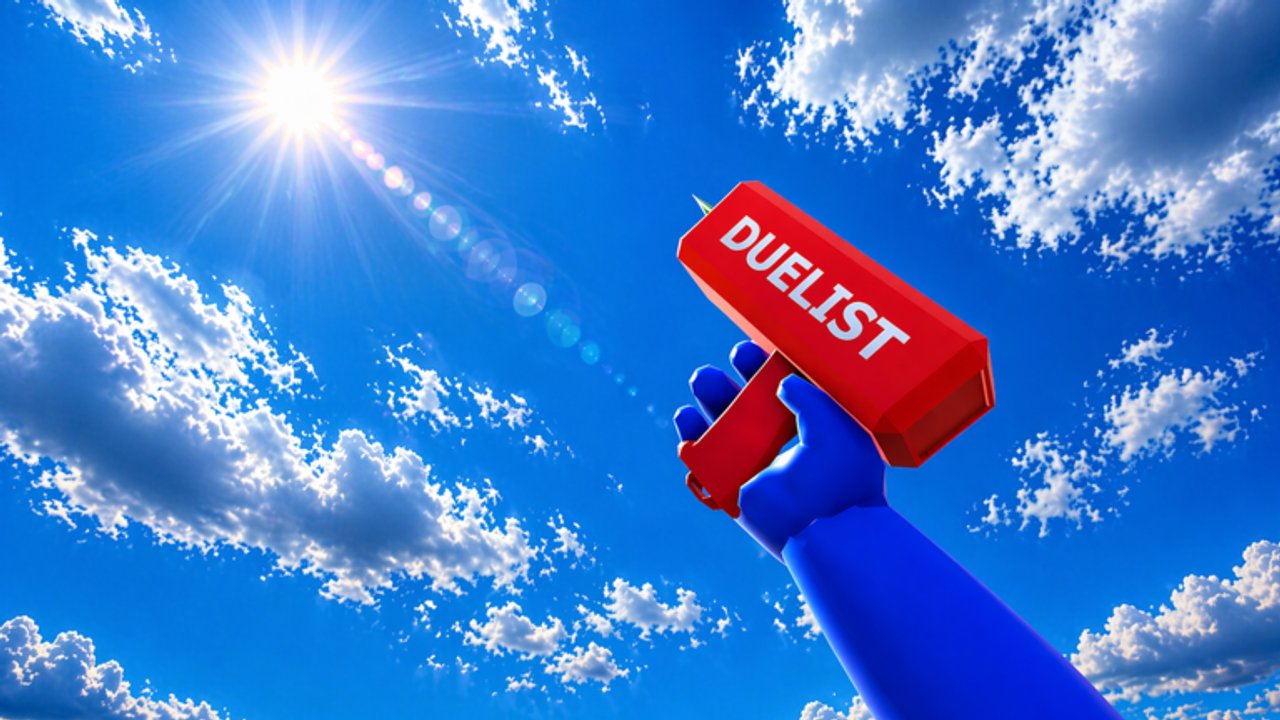
The Players section of this wiki is your profile and identity hub for DUELIST: PvP on Roblox. Instead of character rosters or gacha units, this game centers on how you look, how your eliminations pop, and how your account advances through Credits, XP, Spins, and Player Cards. Built by only three devs and still in open beta since December 29, 2025, DUELIST: PvP already passed 16.7M+ visits and roughly 24.5k favorites on Place 122310270867133 (universe 9461038514). That growth shows up in a cosmetics catalog of 100+ items—weapon skins, KFX kill effects, graffiti, backpacks, and accessories—with rarity that varies by drop and update.
Use this hub to jump into focused guides, then return when you need the big picture. Deep pages live under Cosmetics, KFX kill effects, and Progression. For the live code list that feeds Spins and Credits, keep Codes bookmarked. For mode and combat context, start from Getting Started and the What is DUELIST: PvP overview.
What this hub covers
Cosmetics are the main expression layer. Weapon skins change how your loadout reads in third person. Graffiti tags, backpacks, and accessories fill out lobby presence and victory screens. Nothing in the cosmetic pool grants aim assist, damage, or movement cheats—monetization and rewards stay cosmetics-first so skill still decides 1v1, 2v2, 3v3, and FFA fights.
KFX (kill effects) are the flashy finishers after an elimination. Some are subtle; others fill the screen. Rarity varies, and collectors often chase KFX as hard as weapon skins. Our KFX guide explains how they fit into a flex loadout without confusing them for competitive advantages.
Progression ties matches to long-term profile growth. You earn Credits and XP from play, redeem codes for bursts of currency and Spins, and use Spins plus shop flows to unlock more of the 100+ pool. Player Cards arrived as a major identity update and sit alongside Spins as a profile flex. Details live on Progression and the dedicated Player Cards guide.
How profile systems connect to updates
Beta cadence from only three devs is aggressive for a three-person team. Documented themes include the Player Cards update, Black Market update, Matchmaking update, Summer update, AP Pistol update, and the addition of FFA mode. Each of those either expanded cosmetics, changed how you queue, or added weapons that then inherit skins and KFX. Track the narrative on the Updates Hub, patch notes themes, and beta status pages—not on a Trello board. There is no official Trello; Discord (invite via in-game news) is the primary channel for codes and announcements, with the Roblox group only three devs (id 695985897) as the creator community home.
Fair play and account safety
Exploiting or cheating earns a permanent ban with no appeal. That rule matters for this hub because stolen cosmetics and scripted Spins farms destroy the point of a cosmetics-only flex culture. If you care about rare KFX, scene skins, or Player Card luck, protect the account that holds them. Report glitches through official channels instead of sharing exploit tools—see our scripts / safety notes and never paste unknown executors.
Suggested reading order
- Skim What is DUELIST: PvP if you are brand new.
- Open Cosmetics to understand the 100+ catalog categories.
- Read KFX before spending Spins purely on visual finishers.
- Study Progression so Credits, XP, Spins, and Player Cards stop feeling random.
- Deep-dive Player Cards when you care about card spins, collecting, and trading-era safety.
- Cross-check Codes after every milestone announcement and skim Updates when a named patch lands.
Collecting without burnout
Beta games rotate rewards quickly. Milestone codes tied to visits, likes, or concurrent spikes can grant Spins, Credits, XP boosts, or limited packs. Prioritize limited or untradable drops when they appear, then fill common weapon skins with steady Credits. Pair cosmetics planning with a tier list sense of which weapons you actually main so you do not sink Spins into skins for guns you never queue.
Platform note: DUELIST: PvP supports PC, mobile, and console, with customizable keybinds and sensitivity. Cosmetics display across platforms; input comfort still matters more than which backpack you wear.
Hub FAQs and next links
When teammates ask how to look rare without buying power, send them here, then to the three child guides below. When they ask what changed last week, send them to patch notes. When they need official destinations, use the Links Hub. This Players hub exists so identity, cosmetics, and progression stay organized while the beta keeps moving.
Frequently Asked Questions
Quick answers for DUELIST: PvP players.
What does the Players hub cover in DUELIST: PvP?
Cosmetics (weapon skins, graffiti, backpacks, accessories), KFX kill effects, and progression systems such as Credits, XP, Spins, and Player Cards—not a traditional character roster.
Do cosmetics give combat stats?
No. The 100+ cosmetics pool is expression-only. Wins still come from aim, movement, and mode sense in 1v1, 2v2, 3v3, and FFA.
Where should I go after this hub?
Read Cosmetics, KFX, and Progression under /players/, redeem anything live on Codes, and track named updates from the Updates hub.
Is there an official Trello for cosmetics drops?
No. Only three devs use Discord (check in-game news for the invite) and the Roblox group as primary news channels—not a public Trello.